


There's a lot of noise about AI building websites in seconds. We use it differently. By connecting AI directly to our design tools, we move faster through wireframes, design and prototypes, and spend more time on the strategy, UX and decisions that make a website work.
AI Connected to Our Design Tools
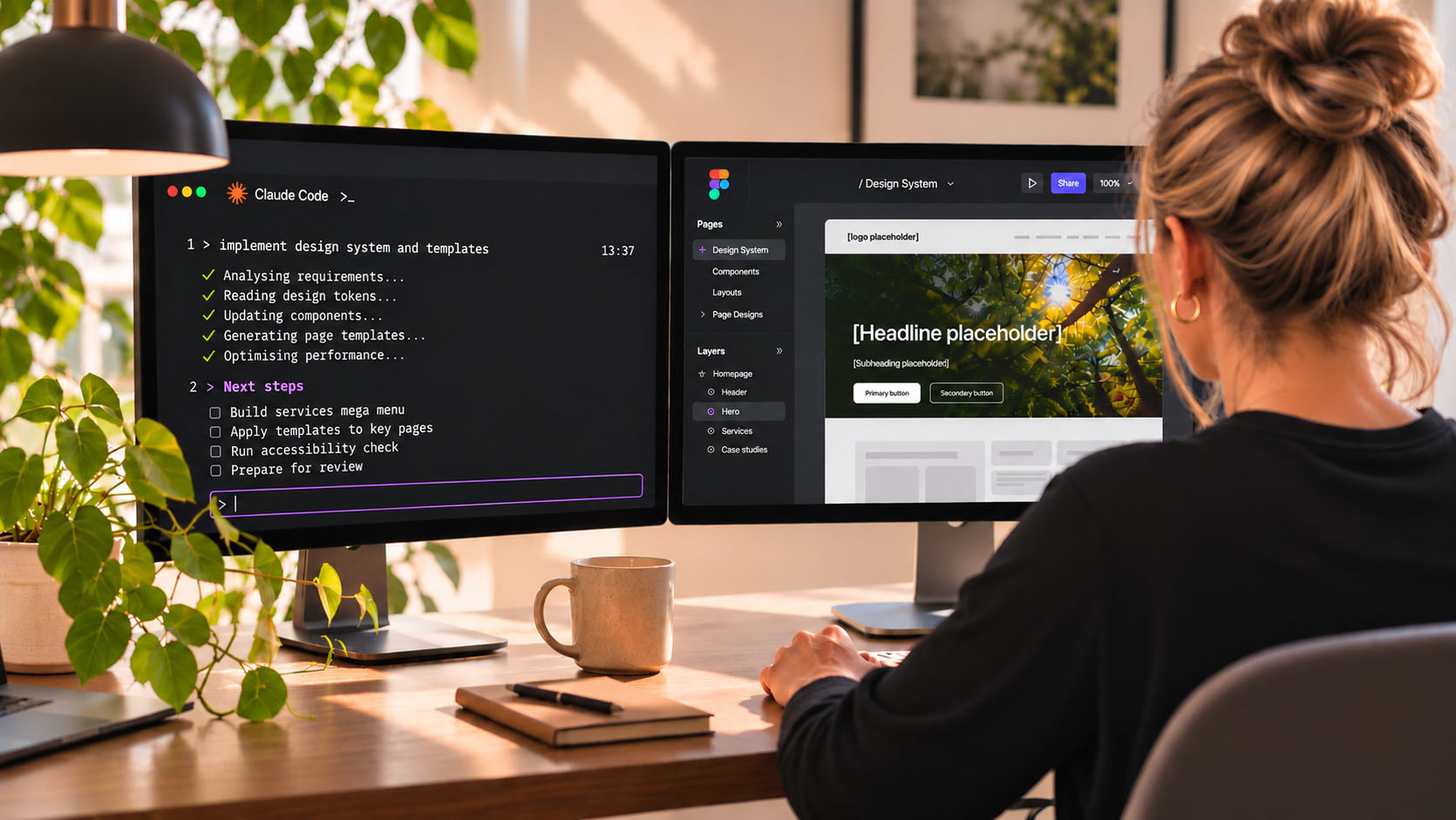
We don't rely on the AI built into design apps. We run our own AI agents on our machines, connected directly to our design tools, in this case Figma.
Through conversation, we direct the AI to create and update layouts, components and prototypes in Figma, while we make the decisions about structure, usability, visual direction and how everything works together.
Discovery Gives AI the Full Context
After discovery with you, we bring everything together: documents, research and workshop results. We bring the relevant material into our AI-assisted workflow, giving it the context it needs to support informed design decisions.
As we build, we can query that material and direct the AI step by step on how each part should be built.
Architecture and Wireframes, Built Through Conversation
We start with structure: the menus and mega menus that shape the site architecture, plus user flows wherever they add clarity.
We then present multiple versions of wireframes and refine them with you as the pages fill out. The number of presentations depends on the complexity of the project.
AI-Built Design Systems, Refined by Designers
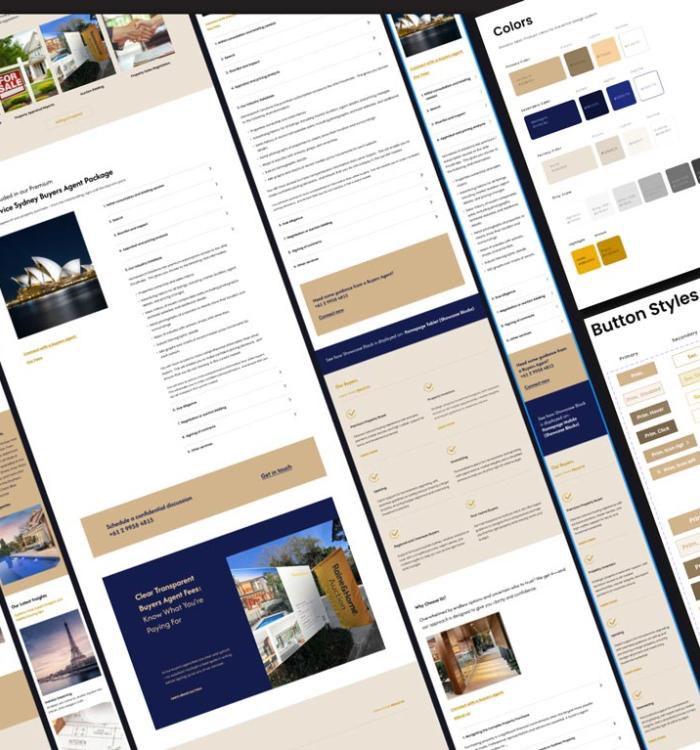
Once the wireframes and structure are approved, we move onto the pages using an atomic design approach, with AI helping set up the design tokens, components and templates.
Working from one shared system creates consistency between what's designed in Figma and what's built in code. It reduces duplication, makes changes easier and keeps the product easier to maintain.
We then progressively refine the designs into high-fidelity representations of the finished product, giving you a clear picture of how the experience will look and work. You can see each stage in our UX design process.
Clickable Prototypes Without the Manual Wiring
We use interactive prototypes throughout the design process, so you can experience key journeys, navigation and interactions before development begins.
Where the Time Goes
AI takes on the repetitive work of building components, applying templates and connecting prototypes. That gives us more time for the details that matter: refining the experience, exploring alternatives and making better design decisions.
AI Keeps Changing. Good Thinking Doesn't.
AI moves fast. What was cutting edge six months ago is standard today. We're constantly testing new tools and keeping the ones that earn their place, and each one takes more manual work off the table. For you, that means more value for your budget and a faster process.
AI can analyse information and suggest solutions, but it doesn't understand your business, customers and priorities the way an experienced team working closely with you can. It handles the repetitive work well. What it can't replace is the thinking that directs it: the strategy, structure and UX decisions behind every page, across branding, UX and development.
That thinking is still the hard part. It's what we've been doing for 26+ years, long before these tools existed, and it's what makes the tools worth using.
You get the speed of AI, with the strategy and UX thinking that makes it work.